 TPM
TPM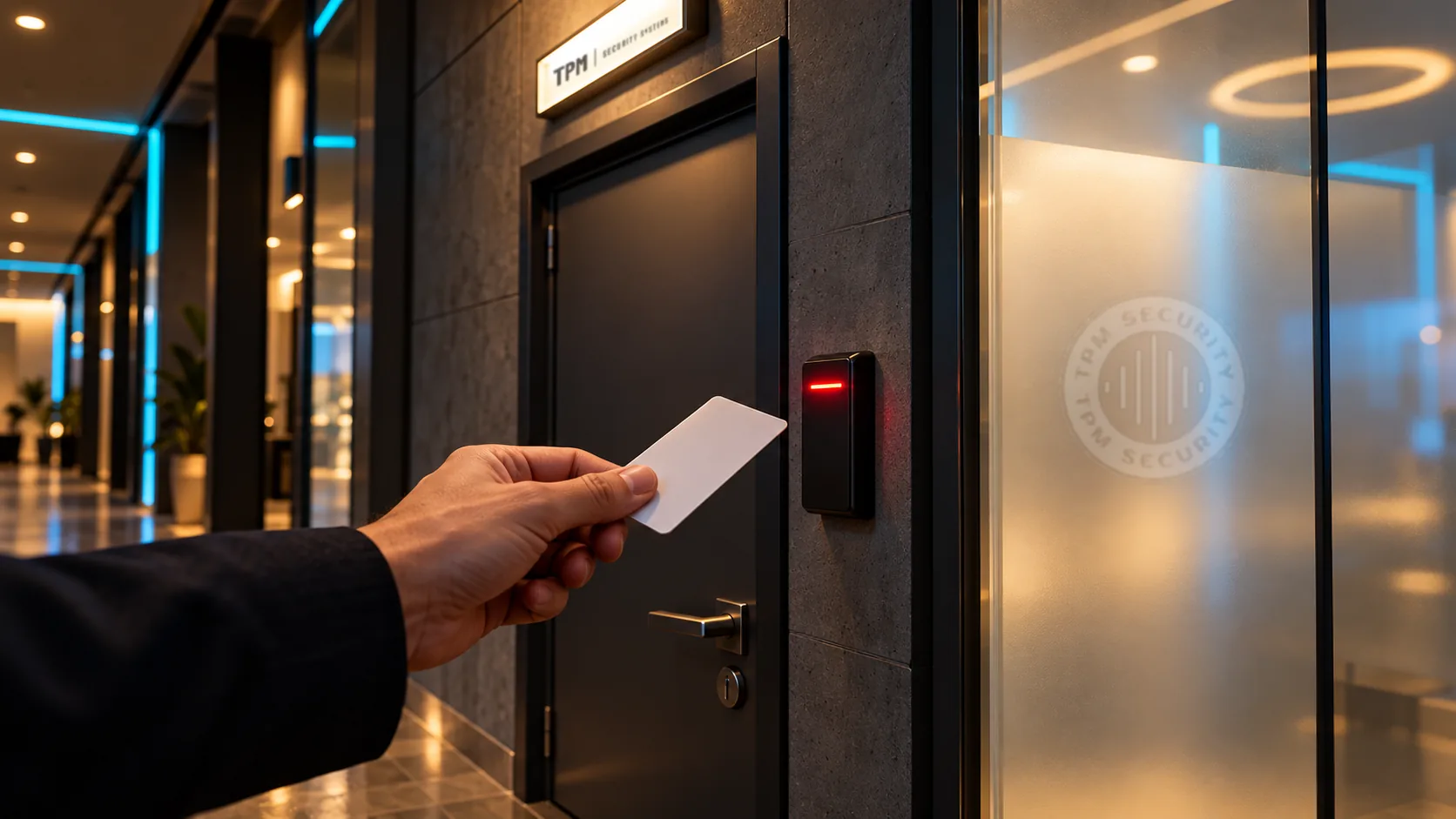
Keys are cheap until someone leaves with one. Then you’re rekeying locks, cutting new keys and hoping nobody made a copy. Electronic access control solves that: you decide who can open which door and when, and you can cancel access in seconds. Here’s how to choose without overbuying.
1. Decide which doors
Most small businesses start with one to four doors: the main entrance, a back or staff door, and sometimes a stockroom, office or server closet. Interior doors that only need privacy can stay on a regular lock. Begin with the doors where you’d most want to know who opened them and when.
2. Choose how people get in
| Credential | Good for | Keep in mind |
|---|---|---|
| Fob or card | Most teams; simple and fast | People lose them, but a lost fob is cancelled in seconds |
| Mobile phone | Teams who always carry a phone | Have a backup method for dead batteries |
| Keypad code | Deliveries, cleaners, occasional visitors | Codes get shared; change them regularly |
| Fingerprint or face | High-security rooms | Costs more; consider privacy expectations |
Many systems support several at once, such as fobs for staff and a keypad code for the cleaning crew.
3. Cloud or on-site software
Cloud-managed systems let you add or remove people from your phone, see door activity anywhere and receive alerts. On-site systems avoid monthly fees but require a computer or server to manage them. For one location with a handful of doors, cloud management is usually the simplest choice.
4. Get the door hardware right
The reader is the visible part. The lock is what matters. Depending on the door, that might be an electric strike, a magnetic lock or an electrified exit device. Two rules guide the choice:
- People must always be able to get out. Exit doors need free egress, and some locks must release in a fire alarm. Building and fire codes set the rules, and your contractor should coordinate with your door supplier and, where required, your fire alarm contractor.
- Decide what happens in a power cut. “Fail-safe” locks unlock without power; “fail-secure” locks stay locked. Battery backup keeps the system running through short outages.
5. Plan for people leaving
The biggest benefit of access control is offboarding. Make removing a person’s access part of your exit checklist, and review the user list every few months. Old accounts are the most common weakness we find.
6. Add video where it counts
Pairing a camera with your main doors means every door event can be matched to video: you see not just that a fob was used, but who used it.
Starter setup for many small businesses: readers on the main and back doors, fobs for staff, a keypad code for regular contractors, cloud management on the owner’s phone, and battery backup.