 TPM
TPM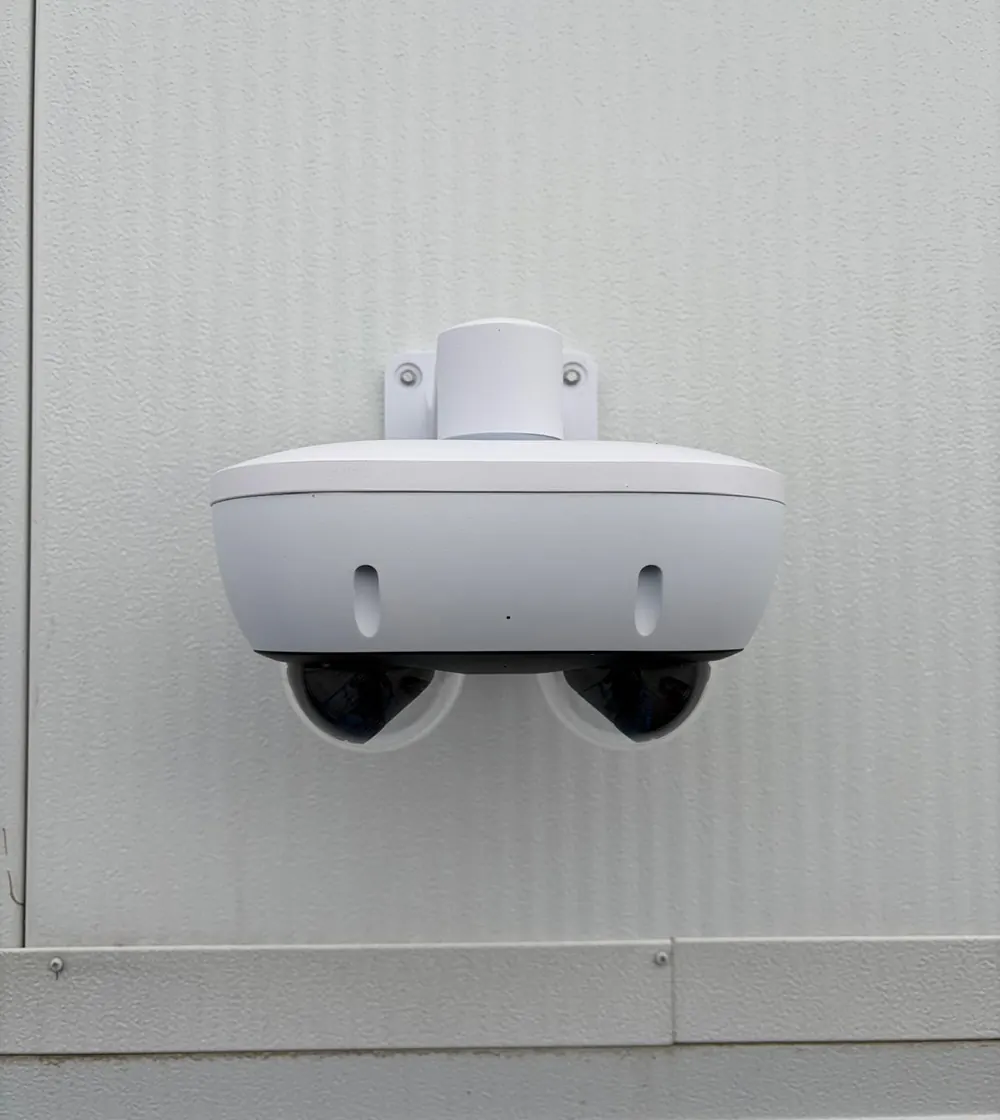
“How many cameras do I need?” is the question we hear most from homeowners. The honest answer is that the number matters far less than where the cameras go and what each one is meant to show. Two cameras in the right places will help you more after a break-in than eight cameras pointed at the sky.
Start with the ways in
Walk around your home and list every way someone could get in or approach: the front door, the back door, a side gate, the garage, a basement entrance, a ground-floor sliding door. These are your priorities. Each one usually needs one camera, placed so it shows a person’s face clearly as they approach.
For most homes this gives a sensible starting range:
| Home | Typical cameras | Usually covers |
|---|---|---|
| Condo or apartment | 1–2 | Unit door from inside, balcony |
| Townhouse | 2–4 | Front door, garage or lane, back patio |
| Detached house | 4–8 | Front and back doors, driveway, side yards, backyard |
Each camera needs one job
A camera can do one of three jobs well: show what’s happening in an area, recognise a face, or read a licence plate. Trying to do all three with one wide camera usually means doing none of them well.
- Faces: mount at the door, a little above head height, aimed at the path people walk. Close and narrow beats far and wide.
- Overview: a wider camera on a corner of the house can watch the yard or driveway, so you can see where someone went.
- Plates: reading plates needs a dedicated camera aimed at a narrow spot where cars slow down, such as the bottom of a driveway. It’s rarely needed for a house.
Light matters more than megapixels
Most incidents happen in low light. A camera with good night performance and sensible placement under a light will beat a higher-resolution camera in a dark corner. If an area is completely dark, infrared cameras still see, but in black and white, and they need a clear field of view: no glass, no nearby wall to reflect the infrared back.
Respect your neighbours
Aim cameras at your own property. Where a view includes a neighbour’s windows or yard, privacy masking can black out that part of the image before it’s recorded. It’s the right thing to do, and it avoids disputes later.
Recording: how long and where
A local recorder (NVR) keeps video in your home and doesn’t depend on a monthly fee. Thirty days of recording is a common, practical choice: long enough to notice something happened while you were away. Cloud recording is convenient for one or two cameras but costs more per camera as you add them.
Quick checklist: every entrance covered at face height · one wider view per side of the house · lights where cameras need them · neighbours masked · around 30 days of recording · viewing on your phone set up and tested.