 TPM
TPM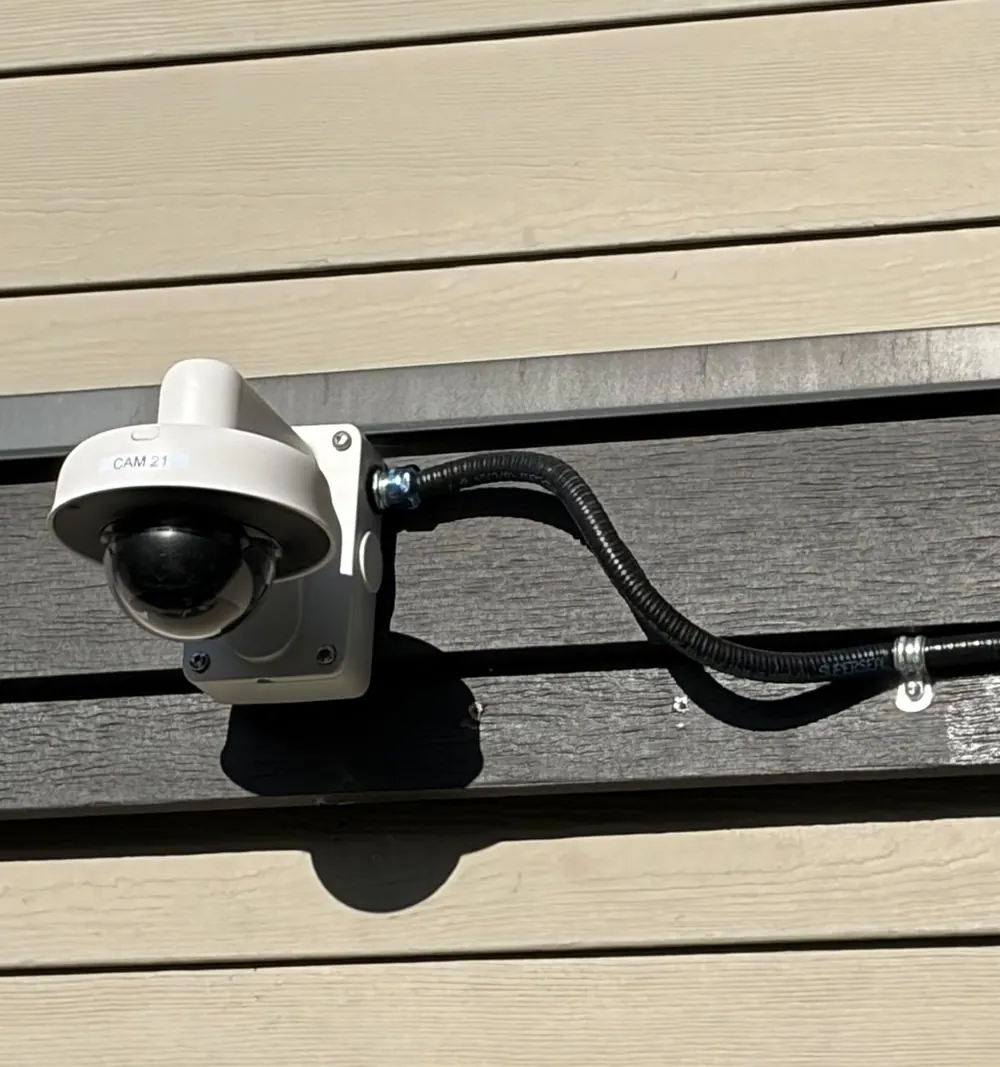
Ask three companies to quote “eight cameras” and you may get three very different numbers. Usually none of them is wrong: they’ve made different assumptions about what you need and how hard the installation will be. Knowing what drives the cost helps you compare quotes properly and avoid surprises.
1. How the cables get to each camera
Labour is often a bigger part of the job than the cameras themselves, and most of that labour is cabling. A camera that sits above an open attic or a drop ceiling is quick to wire. One on a finished wall, a brick exterior or a second-floor soffit with no access above takes far longer. Outdoor runs may need conduit to protect the cable from weather and tampering, and long runs between buildings may need fiber or a wireless link.
2. What each camera needs to do
A camera that shows “what’s happening” in a yard is simpler than one that must recognise faces at a distance or read licence plates at a gate. Identification and plate-reading cameras need the right lens, careful aiming and sometimes extra lighting. Placement is planned around the job each camera has to do, and that planning is part of what you’re paying for.
3. How long you want to keep recordings
More cameras, higher resolution and longer retention all mean more storage in the recorder. Thirty days of continuous recording is a common target. Motion-only recording, or a mix, can reduce storage considerably. A good quote states the retention it’s designed for.
4. Height and access
High ceilings in warehouses and showrooms, or tall exterior walls, may need a lift. Lift rental and the safety precautions that come with it add to the cost, and they’re worth asking about up front.
5. What you already have
Existing cable, conduit or a working recorder can sometimes be reused, which saves money. In other cases, old cabling or equipment holds a new system back. A site visit tells you which applies.
6. Setup and handover
Configuring the recorder, setting up secure viewing on your phones, masking neighbours’ windows, labelling and showing you how to export footage all take time. They’re also the difference between a system that works on day one and one you fight with for months.
How to get quotes you can compare
- Share photos of each area and a rough floor plan before the visit.
- List what matters most: faces at the front door, the parking area at night, the back door.
- Ask each contractor to state the number of cameras, their purpose, the retention period and what’s included in setup.
- Ask whether cabling is concealed, in conduit or surface-mounted.
The cheapest quote often assumes the easiest installation. The best quote explains its assumptions, so you know exactly what you’ll get.